
Python Course for Class 6 Students
A project-based 36-week, 72-session Python programming curriculum for Class 6 students, progressing from clear coding foundations to a working year-end application.
Quick answer
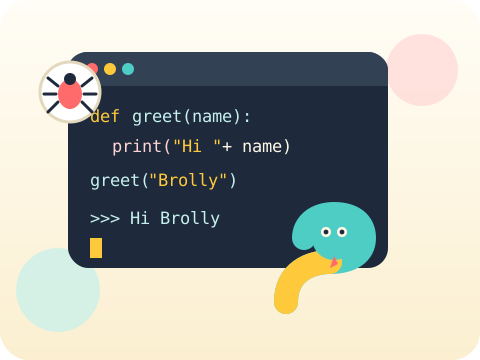
The Class 6 Python program provides two one-hour coding sessions per week for 36 instructional weeks. Every module combines concepts, guided practice, debugging and a project, so learners develop working Python skills rather than merely replicating code.
9 modules × 8 sessions = 72 guided sessions
Select any module to read the full explanation—the big idea, the concepts unpacked, the session-by-session plan and the project students build.
Thinking Like a Programmer
Before a computer can be clever, somebody has to be clear. That somebody is you.
- Algorithms in daily life
- Python workspace
- First print program
Values, Variables and Input
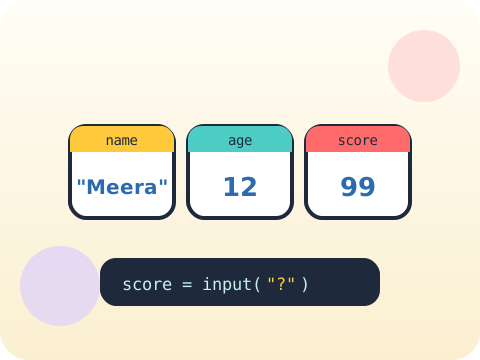
A variable is a labelled box. Python will happily keep anything you put in it — until you swap it for something else.
- Strings and numbers
- Variables
- User input
Decisions with Conditions
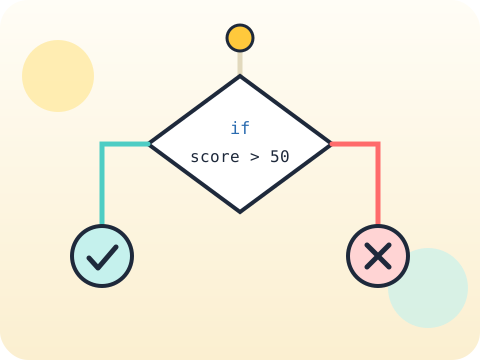
This is where a program stops following one path and starts making choices.
- Booleans
- If and else
- Comparison operators
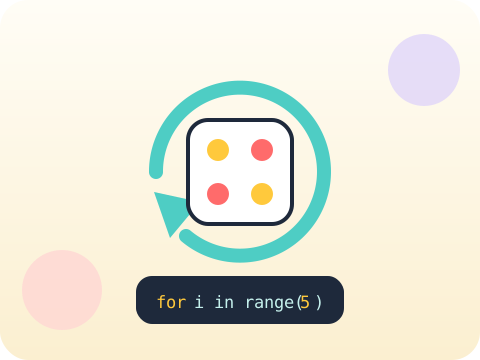
Loops and Patterns
Why type a line one hundred times when you can teach the computer to type it for you?
- For loops
- While loops
- Debugging infinite loops
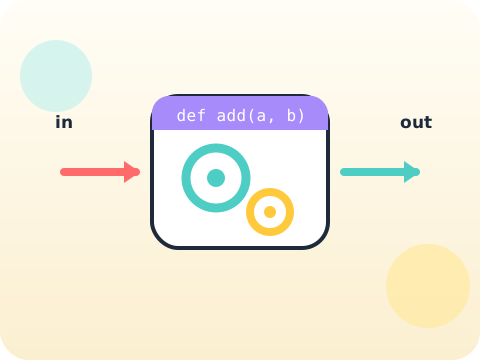
Functions as Building Blocks
A function is a spell you write once and can then cast whenever you like.
- Reusable code
- Parameters
- Return values
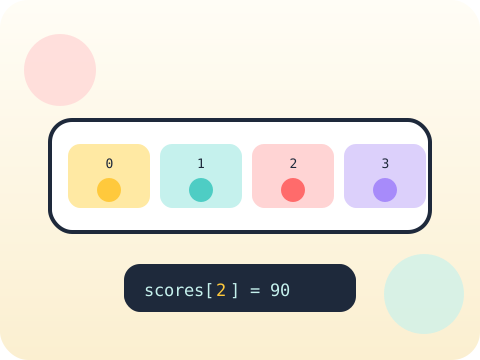
Lists and Collections
One variable holds one thing. A list holds the whole class.
- Create and update lists
- Loop through items
- Simple searching
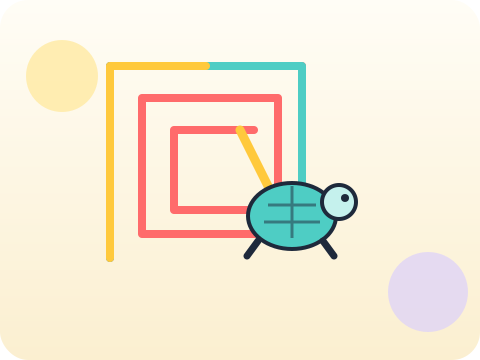
Turtle Graphics
Give the computer a pen, tell it where to walk, and watch geometry turn into art.
- Coordinates
- Angles
- Procedural drawing
Game Logic
A game is just loops, conditions and randomness wearing a costume.
- Random values
- Score and lives
- Testing
Young Coder Capstone
Nine modules of skills, one idea of your own, and a year to point at.
- Plan
- Build in stages
- Demo and explain code
Year-end outcome
A project the student can explain—not just display. By the end of the year, students can:
- Define the problem or learning goal
- Document important decisions and changes
- Test the output and correct issues
- Present the work and answer questions
Assessment approach
Progress across skills, projects and reflection. Reviews consider understanding, application, originality, accuracy, safety, debugging or verification, and the student's ability to explain their work.
- Module practice and mini-projects
- Mid-year review checkpoint
- Portfolio documentation
- Final capstone demonstration
What families and schools ask
Is this Python curriculum suitable for a Class 6 beginner?
How many Python sessions are included?
Will students build real projects?
Does my child need a laptop?
What are Python classes for kids?
What is the best age to start learning Python?
Is Python suitable for beginners?
What will kids learn in Python classes?
Are Python classes available online?
Are classroom Python classes available in Hyderabad?
What is the Python course fee in Hyderabad?
Are weekend Python classes available?
How long does it take to learn Python?
What projects can kids build with Python?
How can I book a free Python trial class?
Your child's free trial is one message away.
Tell us your child’s class and what they enjoy. We will suggest the closest program fit—no pressure and no upfront payment.