
AI Course for Class 10 Students
A complete 36-week, 72-session artificial intelligence curriculum for Class 10 students—designed around practical tools, creative projects, academic usefulness and responsible AI habits.
Quick answer
The Class 10 AI program is a one-year learning pathway with two one-hour sessions per week. Students learn to use generative AI for age-appropriate research, study, communication, creativity and problem-solving while practising fact-checking, privacy and responsible use.
9 modules × 8 sessions = 72 guided sessions
Select any module to read the full explanation—the big idea, the concepts unpacked, the session-by-session plan and the project students build.
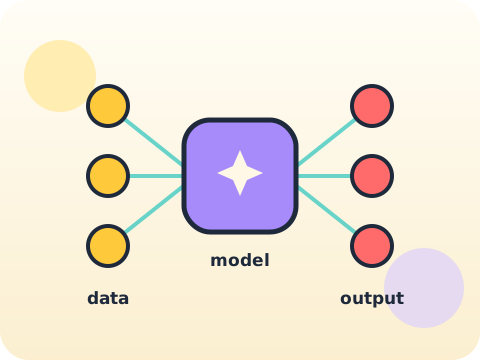
Understanding Modern AI
Know the landscape and you stop being impressed by everything equally.
- Foundation models
- Multimodal systems
- Capability evaluation
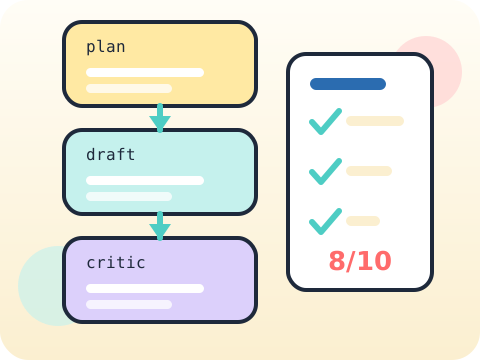
Advanced Prompt Workflows
Reliable beats clever. Every time, in anything that matters.
- Planning prompts
- Rubrics and critics
- Repeatable templates
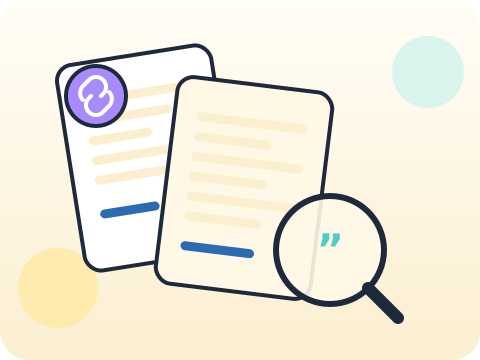
Deep Research Skills
Certainty is easy to write. Honest uncertainty is much harder — and much more useful.
- Research questions
- Evidence quality
- Citations and uncertainty
AI for Data Decisions
A dashboard that looks authoritative and misleads is worse than no dashboard.
- Dataset preparation
- Visual analysis
- Avoiding false claims
Multimodal Media Lab
Professional work is not about better tools. It is about a process that finishes.
- Creative direction
- Production workflow
- Rights and disclosure
AI Products and Interfaces
The model is the easy part. The interface is where products succeed or fail.
- User needs
- Feature design
- Prototype feedback
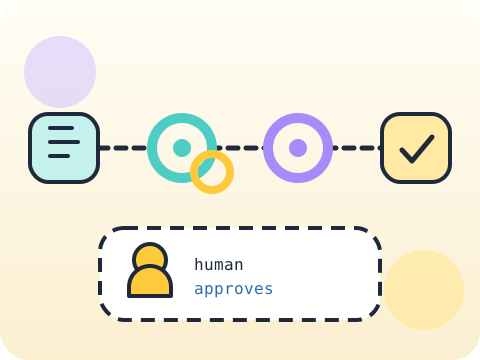
Automation with Human Control
Delegate the work. Never delegate the responsibility.
- Agent roles
- Approval and audit
- Failure-safe design
Governance, Exams and Careers
Everything you have learned this year comes with a question: when should you not use it?
- Academic integrity
- Privacy and law basics
- AI career pathways

Portfolio Capstone
One original problem. One documented solution. One presentation you can stand behind.
- Original problem
- Iterative build
- Public demonstration
Year-end outcome
A project the student can explain—not just display. By the end of the year, students can:
- Define the problem or learning goal
- Document important decisions and changes
- Test the output and correct issues
- Present the work and answer questions
Assessment approach
Progress across skills, projects and reflection. Reviews consider understanding, application, originality, accuracy, safety, debugging or verification, and the student's ability to explain their work.
- Module practice and mini-projects
- Mid-year review checkpoint
- Portfolio documentation
- Final capstone demonstration
What families and schools ask
Does the Class 10 AI program require coding?
Which AI tools will students use?
How many classes are included?
How do you teach AI safety?
Your child's free trial is one message away.
Tell us your child’s class and what they enjoy. We will suggest the closest program fit—no pressure and no upfront payment.