Step 1
Download on Android
Open the official Google Play listing, check device compatibility and install Berry’s Number Trail.

Follow Berry the fox through four learning trails for ages 4–12, with spoken questions, number activities and playful puzzles. Free to download on Android, with no ads.

Berry’s Number Trail is a learning app for kids aged 4–12, available free to download on Google Play. Children follow Berry the fox through activities covering letters, counting, maths and puzzles. Four age-based trails, spoken questions and mini-games let families choose a starting point. The app has no ads, and a grown-up signs in by SMS to get started.
Each stop on Berry’s forest trail introduces something to explore, from counting and letter sounds to maths and logic puzzles. The Little Explorer trail starts with ages 4–5, making it a starting point for older preschoolers.
Big Explorer covers ages 6–8, Wise Explorer ages 9–10 and Master Explorer ages 11–12. Berry reads questions aloud, and children can try again without a countdown timer or a streak to maintain.
Real screens from the app, not mock-ups.
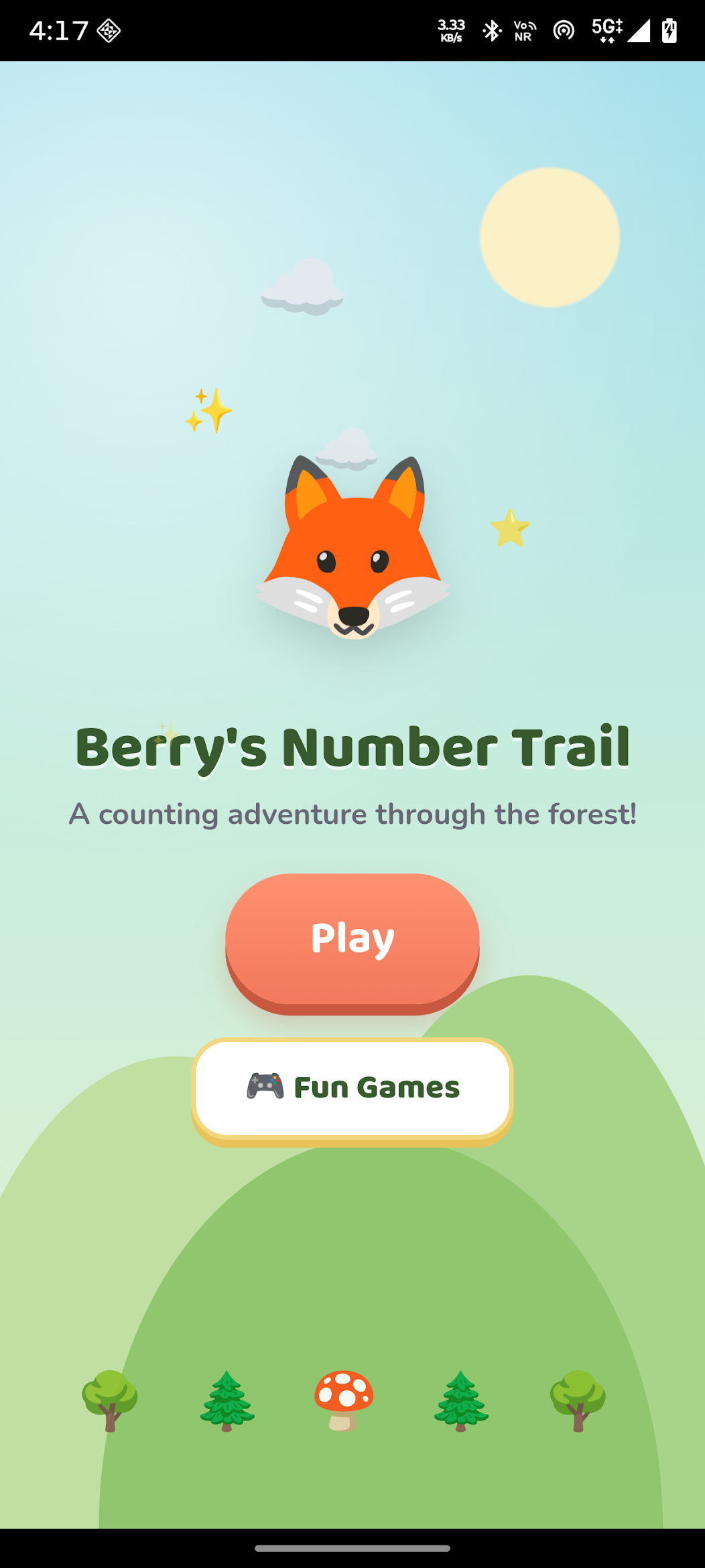
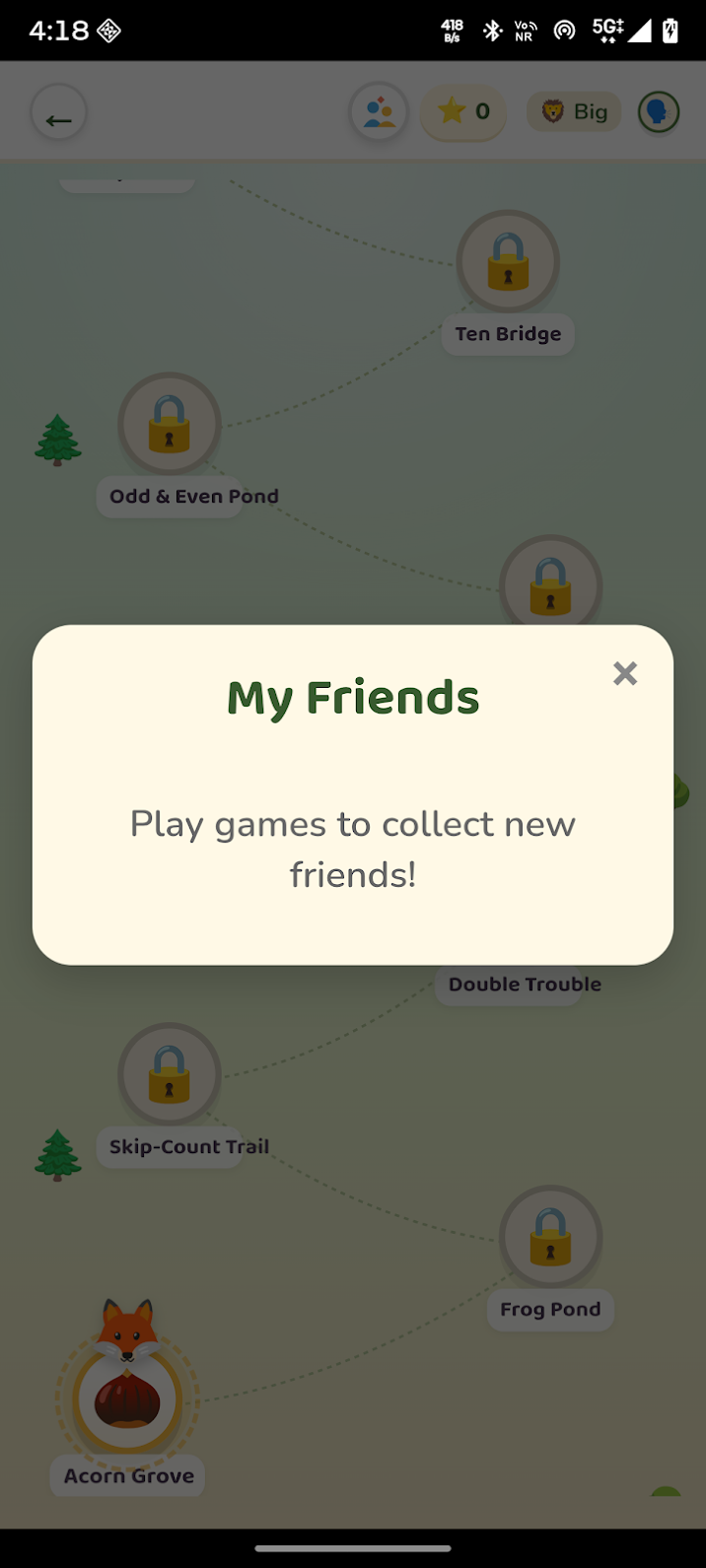
Short, regular practice at a comfortable pace — with a parent or educator nearby to guide when needed.
Open the official Google Play listing, check device compatibility and install Berry’s Number Trail.
A grown-up signs in by SMS. Choose the learning trail for your child’s age and meet Berry the fox.
Listen to the spoken questions, try an activity and follow the forest path. Visit the mini-games for a change of pace.
The application brings several parts of the learning experience together.
Explore letter sounds, counting, colours and shapes.
Practise addition, patterns, clocks, coins and word puzzles.
Explore fractions, coordinates, language and world geography.
Try ratios, percentages, equations, ciphers and logic grids.
Spoken questions support children who are still learning to read. There are no timers or streaks to lose.
Play memory games, Catch the Fireflies, Pop 1-2-3, Tic-Tac-Toe and Whack-a-Mole.
For families with children aged 4–12. Start with the trail for your child’s age and explore together to see which activities suit their current skills.
Bring a little counting, listening and problem-solving practice into everyday play.
The Android app is available on Google Play.
Berry’s Number Trail is developed by Brolly Software Solutions Pvt Ltd, the software company alongside Brolly Juniors.
Tell us your child’s class and what they enjoy. We will suggest the closest program fit—no pressure and no upfront payment.