
AI Course for Class 8 Students
A complete 36-week, 72-session artificial intelligence curriculum for Class 8 students—designed around practical tools, creative projects, academic usefulness and responsible AI habits.
Quick answer
The Class 8 AI program is a one-year learning pathway with two one-hour sessions per week. Students learn to use generative AI for age-appropriate research, study, communication, creativity and problem-solving while practising fact-checking, privacy and responsible use.
9 modules × 8 sessions = 72 guided sessions
Select any module to read the full explanation—the big idea, the concepts unpacked, the session-by-session plan and the project students build.
AI Literacy and Models
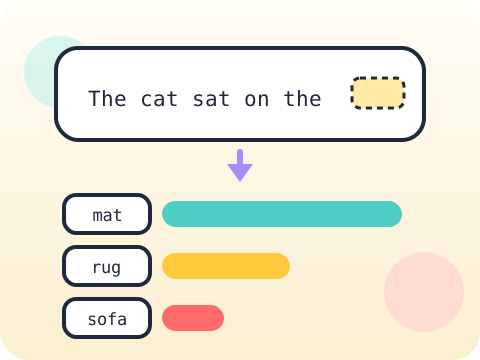
Different models are good at different things. Knowing which is which is a real skill.
- Generative AI concepts
- Model capabilities
- Hallucinations
Structured Prompt Systems
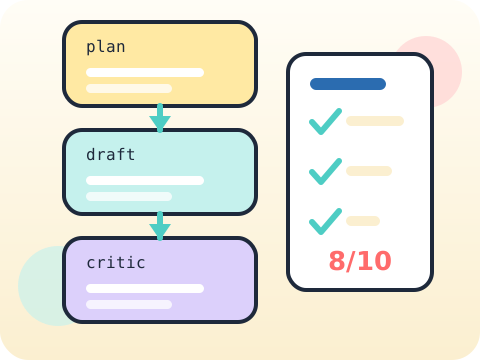
A prompt you can repeat, test and improve stops being a message and becomes a tool.
- Prompt frameworks
- Multi-step prompts
- Evaluation rubrics
Research and Synthesis
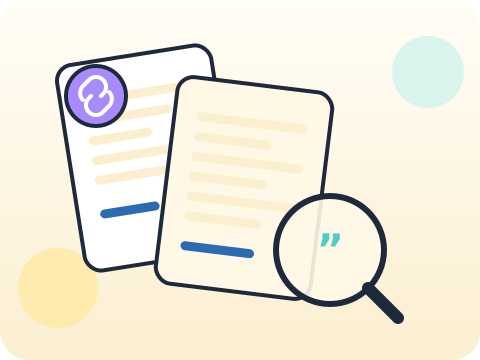
Two reliable sources disagree. Now what?
- Search strategy
- Conflicting sources
- Cited summaries
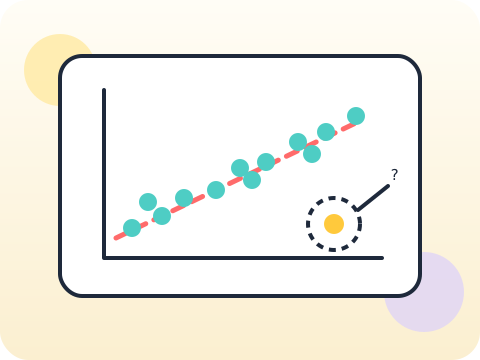
AI, Data and Patterns
Data does not speak for itself. People make it speak, and sometimes they make it lie.
- Clean tabular data
- Questioning data
- Chart interpretation
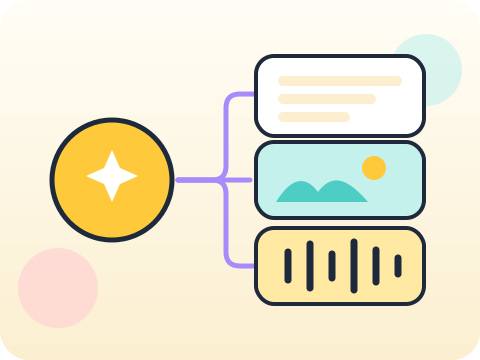
Multimodal Creation
One message, told four different ways, reaching four different people.
- Text-to-image
- Image-to-text
- Creative direction

Voice and Video Production
You can now put words in anyone’s mouth on video. So the rules matter more than the tools.
- Script revision
- Synthetic media
- Disclosure and consent
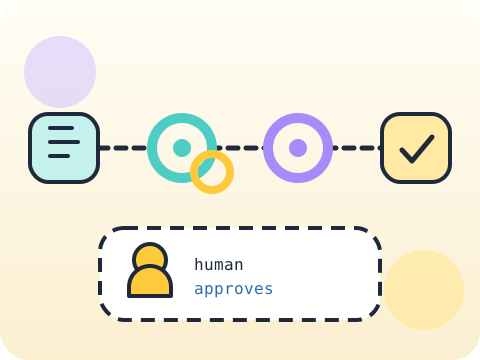
Workflow Automation
If you do the same fiddly task every week, that is a job for a machine.
- Inputs and outputs
- Repeatable steps
- No-code workflow maps
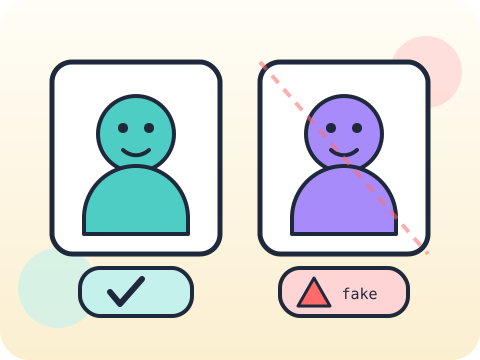
Cyber Safety and Deepfakes
If a video can be faked perfectly, what still counts as proof?
- Manipulated media
- Privacy and scams
- Verification habits

Impact Challenge
Find someone with a real problem. Build something they would actually use.
- User problem identification
- Prototyping
- Testing and pitching
Year-end outcome
A project the student can explain—not just display. By the end of the year, students can:
- Define the problem or learning goal
- Document important decisions and changes
- Test the output and correct issues
- Present the work and answer questions
Assessment approach
Progress across skills, projects and reflection. Reviews consider understanding, application, originality, accuracy, safety, debugging or verification, and the student's ability to explain their work.
- Module practice and mini-projects
- Mid-year review checkpoint
- Portfolio documentation
- Final capstone demonstration
What families and schools ask
Does the Class 8 AI program require coding?
Which AI tools will students use?
How many classes are included?
How do you teach AI safety?
Your child's free trial is one message away.
Tell us your child’s class and what they enjoy. We will suggest the closest program fit—no pressure and no upfront payment.