
AI Course for Class 7 Students
A complete 36-week, 72-session artificial intelligence curriculum for Class 7 students—designed around practical tools, creative projects, academic usefulness and responsible AI habits.
Quick answer
The Class 7 AI program is a one-year learning pathway with two one-hour sessions per week. Students learn to use generative AI for age-appropriate research, study, communication, creativity and problem-solving while practising fact-checking, privacy and responsible use.
9 modules × 8 sessions = 72 guided sessions
Select any module to read the full explanation—the big idea, the concepts unpacked, the session-by-session plan and the project students build.
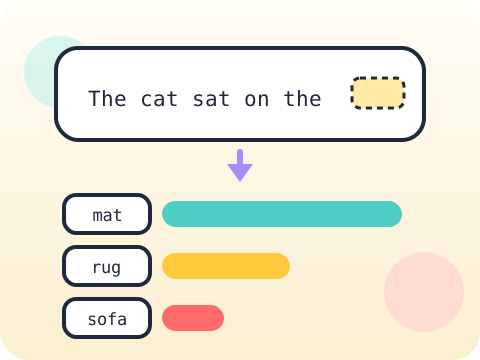
How Generative AI Works
It is not magic and it is not thinking. It is prediction on an almost unimaginable scale.
- Patterns and predictions
- Training data idea
- Why AI can be wrong
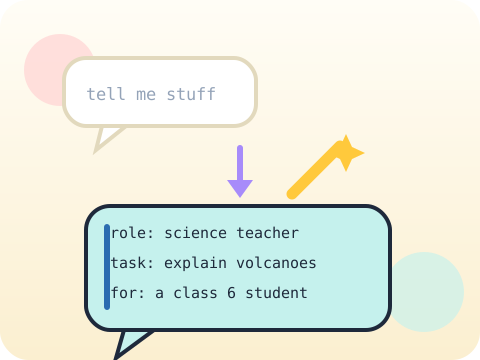
Prompt Design Studio
Stop retyping prompts. Start building a library you reuse all year.
- Role, task and audience
- Examples and formats
- Prompt iteration
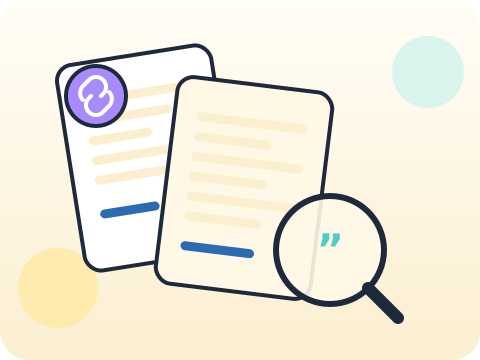
Research Without Copying
Research is not collecting sentences. It is deciding which sentences deserve trust.
- Question planning
- Source comparison
- Notes and citations
Smart Study Systems
Rereading feels productive. Testing yourself actually is.
- Concept breakdown
- Flashcards and quizzes
- Revision planning
Design and Digital Art
A designer starts with a brief, not with a button.
- Creative briefs
- Image prompting
- Copyright and originality
Audio and Podcast Lab
Podcasts sound relaxed because they were carefully scripted to sound that way.
- Script structure
- Voice generation
- Sound and disclosure

Video Communication
Explaining something to a younger student is the toughest test of whether you understand it.
- Storyboard
- Avatar presenters
- Captions and accessibility
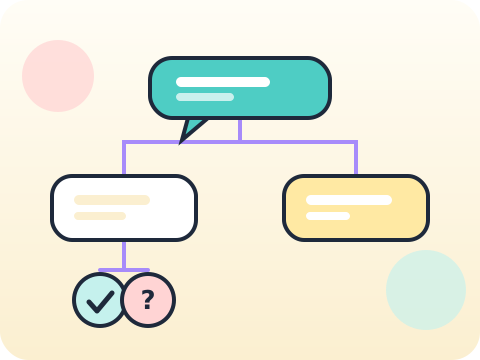
No-code Chatbot Thinking
Designing a chatbot teaches you something surprising: most of the work is deciding what it should refuse to do.
- Conversation flows
- Helpful boundaries
- Testing responses
AI for Community
Look around your neighbourhood. Something there could be better.
- Problem discovery
- Solution design
- Pitch and reflection
Year-end outcome
A project the student can explain—not just display. By the end of the year, students can:
- Define the problem or learning goal
- Document important decisions and changes
- Test the output and correct issues
- Present the work and answer questions
Assessment approach
Progress across skills, projects and reflection. Reviews consider understanding, application, originality, accuracy, safety, debugging or verification, and the student's ability to explain their work.
- Module practice and mini-projects
- Mid-year review checkpoint
- Portfolio documentation
- Final capstone demonstration
What families and schools ask
Does the Class 7 AI program require coding?
Which AI tools will students use?
How many classes are included?
How do you teach AI safety?
Your child's free trial is one message away.
Tell us your child’s class and what they enjoy. We will suggest the closest program fit—no pressure and no upfront payment.