
AI Course for Class 9 Students
A complete 36-week, 72-session artificial intelligence curriculum for Class 9 students—designed around practical tools, creative projects, academic usefulness and responsible AI habits.
Quick answer
The Class 9 AI program is a one-year learning pathway with two one-hour sessions per week. Students learn to use generative AI for age-appropriate research, study, communication, creativity and problem-solving while practising fact-checking, privacy and responsible use.
9 modules × 8 sessions = 72 guided sessions
Select any module to read the full explanation—the big idea, the concepts unpacked, the session-by-session plan and the project students build.
AI Systems Foundations
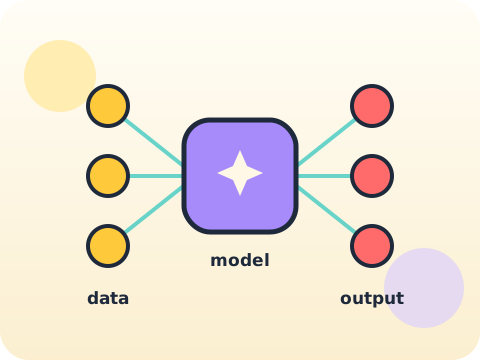
Under every AI product sit three things: a model, data, and a set of trade-offs somebody chose.
- Models and datasets
- Probability intuition
- Limits and trade-offs
Applied Prompt Engineering
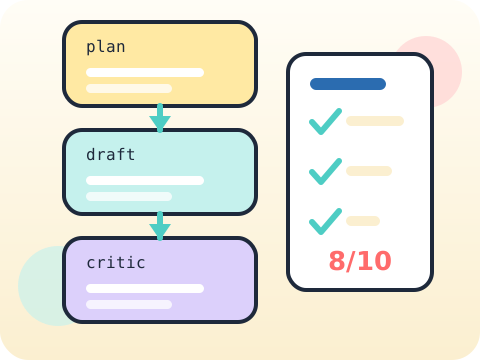
If you cannot measure whether the output is good, you are not engineering anything.
- Decomposition
- Few-shot examples
- Output evaluation
Research, Evidence and Citation
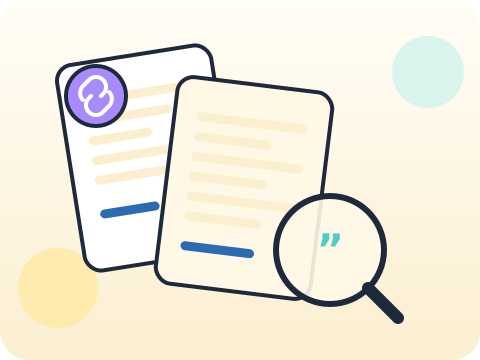
A citation is not decoration. It is you showing your working.
- Primary vs secondary sources
- Claim verification
- Synthesis
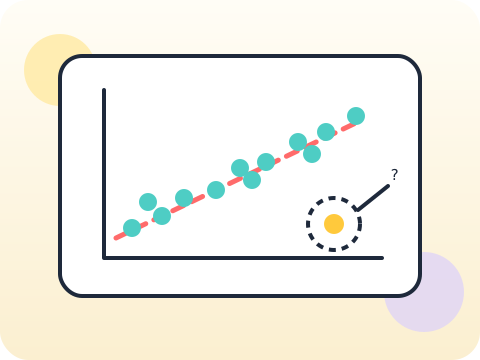
Data Analysis with AI
The data is fine. The conclusion is where things usually go wrong.
- Data questions
- Patterns and outliers
- Responsible conclusions
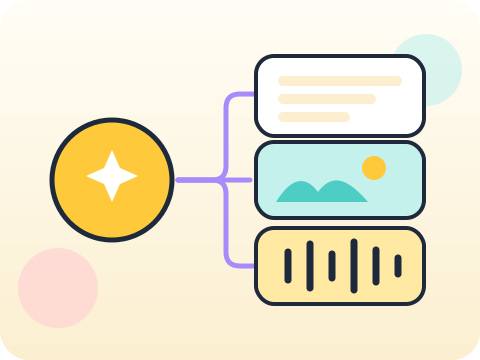
AI Content Studio
A campaign is not a pile of content. It is one idea, delivered repeatedly and well.
- Campaign strategy
- Image, voice and video
- Authenticity
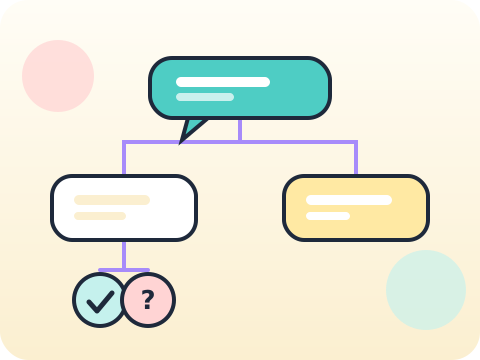
Chatbots and Knowledge
The most trustworthy assistant is one that knows exactly what it does not know.
- Knowledge boundaries
- Conversation design
- Testing and fallback
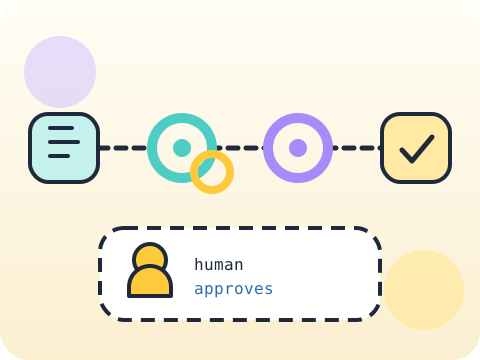
Automation and Agents
An agent that acts on your behalf needs to know when to stop and ask.
- Workflow logic
- Human approval points
- Error handling
Ethics, Careers and Society
The hardest AI questions have no code in them at all.
- Bias and fairness
- Work and careers
- Governance basics

Innovation Capstone
Validate the problem before you fall in love with the solution.
- Problem validation
- Build and test
- Demo and documentation
Year-end outcome
A project the student can explain—not just display. By the end of the year, students can:
- Define the problem or learning goal
- Document important decisions and changes
- Test the output and correct issues
- Present the work and answer questions
Assessment approach
Progress across skills, projects and reflection. Reviews consider understanding, application, originality, accuracy, safety, debugging or verification, and the student's ability to explain their work.
- Module practice and mini-projects
- Mid-year review checkpoint
- Portfolio documentation
- Final capstone demonstration
What families and schools ask
Does the Class 9 AI program require coding?
Which AI tools will students use?
How many classes are included?
How do you teach AI safety?
Your child's free trial is one message away.
Tell us your child’s class and what they enjoy. We will suggest the closest program fit—no pressure and no upfront payment.