Python for Kids · Class 7

Python Course for Class 7 Students

A project-based 36-week, 72-session Python programming curriculum for Class 7 students, progressing from clear coding foundations to a working year-end application.
36 weeksDuration
2 / weekSessions weekly
72 hoursTotal learning
Foundation to IntermediateLevel
A code editor window with a friendly python snake

Quick answer

The Class 7 Python program provides two one-hour coding sessions per week for 36 instructional weeks. Every module combines concepts, guided practice, debugging and a project, so learners develop working Python skills rather than merely replicating code.

Complete annual curriculum

9 modules × 8 sessions = 72 guided sessions

Select any module to read the full explanation—the big idea, the concepts unpacked, the session-by-session plan and the project students build.
A tidy code window with a sparkle badge
Module 1 · Sessions 1–8

Python Foundations Refresh

A quick tune-up before the engine gets bigger.

  • Data types
  • Input and output
  • Readable code
Project: Profile generator
Explore this module →
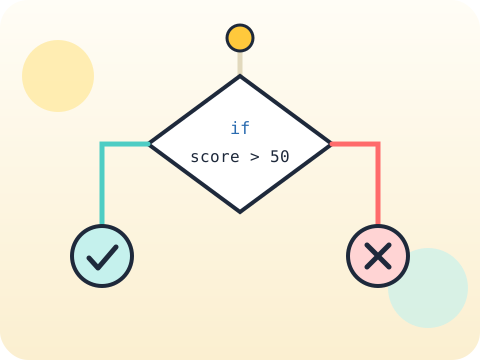
A path splitting at a decision diamond into a tick and a cross
Module 2 · Sessions 9–16

Logic and Validation

Real users type strange things. Good programs expect it.

  • Nested conditions
  • Input validation
  • Logical operators
Project: Smart eligibility checker
Explore this module →
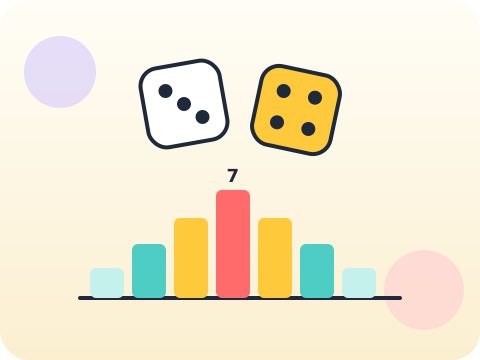
Two dice above a bar chart of rolled totals
Module 3 · Sessions 17–24

Loops and Simulations

Roll a dice six times and anything can happen. Roll it six thousand times and mathematics shows up.

  • Nested loops
  • Counters
  • Random simulation
Project: Dice experiment
Explore this module →
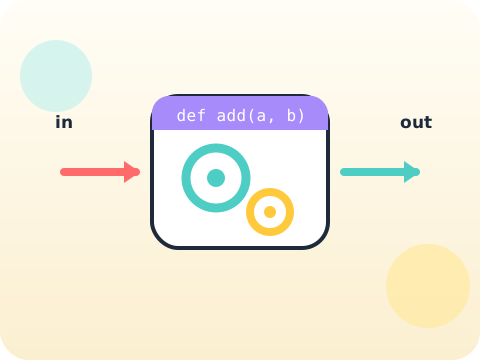
A machine with an input arrow, gears inside and an output arrow
Module 4 · Sessions 25–32

Functions and Scope

Every function is a promise: give me this, and I will give you that.

  • Parameters
  • Return patterns
  • Local scope
Project: Reusable maths challenge engine
Explore this module →
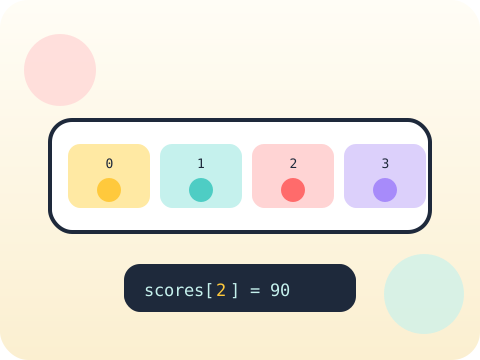
A numbered list shelf with items in slots zero to three
Module 5 · Sessions 33–40

Lists, Tuples and Dictionaries

Different jobs need different containers. Choosing well is half the solution.

  • Collection selection
  • Nested data
  • Updates
Project: Student score tracker
Explore this module →
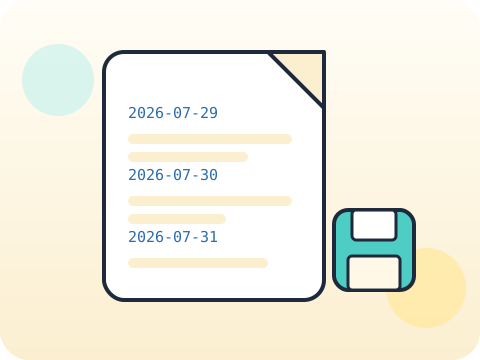
An open journal file with dated entries and a save badge
Module 6 · Sessions 41–48

Text and Files

Close the program and the data vanishes — unless you wrote it down.

  • String methods
  • Reading and writing text
  • Simple records
Project: Digital journal
Explore this module →
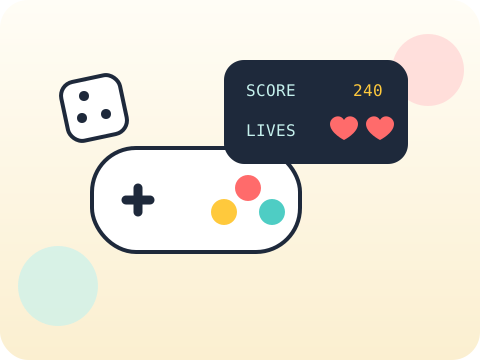
A game controller beside a score and lives panel
Module 7 · Sessions 49–56

Building Better Games

Anyone can make a game. Making one that stays fun is a design problem.

  • Game states
  • Levels
  • Scoring systems
Project: Text adventure game
Explore this module →
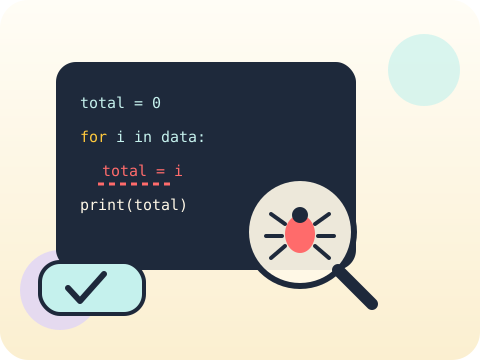
A magnifying glass over code finding a bug, beside a passing test
Module 8 · Sessions 57–64

Errors and Testing

Errors are not failure messages. They are the computer telling you exactly where it got confused.

  • Tracebacks
  • Exception handling
  • Test cases
Project: Bug detective challenge
Explore this module →
A gold trophy on a pedestal with a ribbon and confetti
Module 9 · Sessions 65–72

Class 7 Capstone

Build something a real person would actually use.

  • User stories
  • Building
  • Peer testing
Project: Useful console application
Explore this module →

Year-end outcome

A project the student can explain—not just display. By the end of the year, students can:

  • Define the problem or learning goal
  • Document important decisions and changes
  • Test the output and correct issues
  • Present the work and answer questions

Assessment approach

Progress across skills, projects and reflection. Reviews consider understanding, application, originality, accuracy, safety, debugging or verification, and the student's ability to explain their work.

  • Module practice and mini-projects
  • Mid-year review checkpoint
  • Portfolio documentation
  • Final capstone demonstration
Questions & answers

What families and schools ask

Is this Python curriculum suitable for a Class 7 beginner?

Yes. The first module establishes the required foundation, while projects and practice are adjusted to the learner's prior experience.

How many Python sessions are included?

Students complete 72 guided sessions across 36 instructional weeks, with two one-hour classes per week.

Will students build real projects?

Yes. Every module produces a small working artefact, and the year ends with a class-appropriate capstone that students explain and demonstrate.

Does my child need a laptop?

Regular access to a laptop or desktop is recommended for practice. Schools can also deliver the program through a suitable computer lab.

What are Python classes for kids?

Structured lessons that teach children to write real programs in Python. Children in Classes 6 to 10 learn syntax, logic, loops, functions and data handling, and build a working project at the end of every module.

What is the best age to start learning Python?

The Brolly Juniors Python programme begins at Class 6. Before that, children usually benefit more from coding and digital-skills foundations, which build the reading, typing and logical sequencing that typed Python depends on.

Is Python suitable for beginners?

Yes. Python’s syntax reads close to plain English, and a child can produce a working result within their first session. The first module of every annual plan establishes the foundation from scratch.

What will kids learn in Python classes?

Python syntax and output, variables and data types, conditions, loops, functions, lists, debugging and project building — then progressively more demanding work in later classes, up to web, data and AI-enabled projects in Class 10.

Are Python classes available online?

The programme is built around in-person sessions at the Hyderabad centre, so online delivery is not something we advertise. If online is your only workable option, contact us and we will tell you plainly whether we can serve you well.

Are classroom Python classes available in Hyderabad?

Yes. Classes run in person at Nizampet X Roads, Hyderabad, in batches capped at eight children, with the same educator each week.

What is the Python course fee in Hyderabad?

Fees vary with the child’s class, programme structure, learning mode and duration, so we do not publish a single figure. Send us your child’s class and we will share the current fee for that annual plan.

Are weekend Python classes available?

Weekend batches run subject to availability, alongside weekday after-school batches. Available slots change through the year, so check current availability with us.

How long does it take to learn Python?

Each annual plan runs 36 weeks and 72 sessions. Children write their first working program in the first module; being able to plan and build a program independently takes most of a year of consistent practice.

What projects can kids build with Python?

Early projects include calculators, quiz games, number-guessing games, rock-paper-scissors, to-do lists and simple text adventures. Later classes build larger applications, and Class 10 works on web, data and AI-enabled projects with a deployed capstone.

How can I book a free Python trial class?

Book a free trial with your name, email and contact number, call us, or message on WhatsApp. Tell us your child’s class and what they enjoy, and we will suggest the closest fit. There is no upfront payment.

Your child's free trial is one message away.

Tell us your child’s class and what they enjoy. We will suggest the closest program fit—no pressure and no upfront payment.